Snap your yard.
Get an editable 3D layout.
One photo of your yard becomes a 3D twin made of real objects you can grab, move and walk around.
- Lawn0.94
- Patio0.88
- Raised bed ×20.81
- Fence0.77
- Apple tree0.71
- Pergola0.42
We show you what we saw before we place anything. Nothing lands in your yard without your say-so.
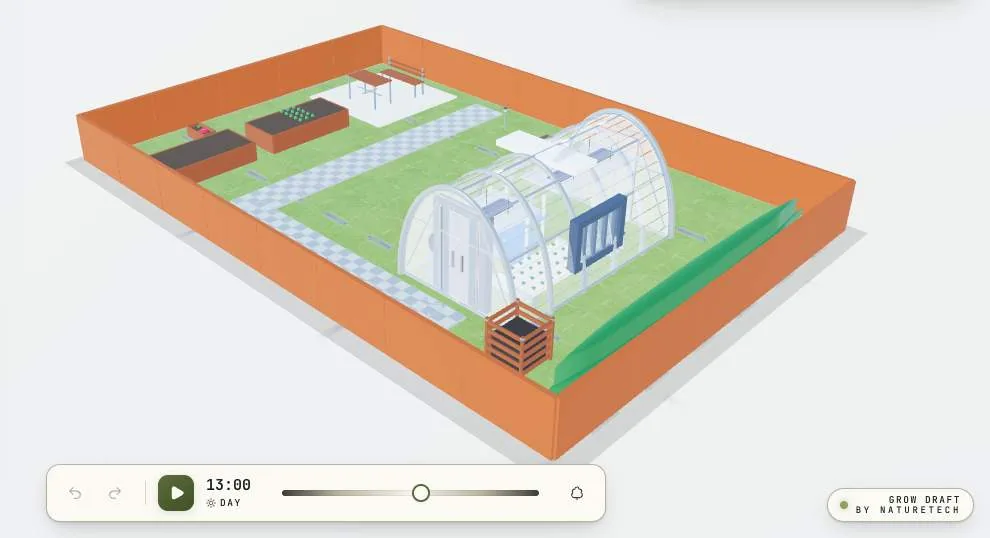
Look first. Place only what you saw.
Most AI layout tools guess. They fill your yard with a pergola you do not have and a wall that was never there, because they are asked to produce a layout whether or not they understood the photo. GrowDraft splits those two jobs. First it observes and tells you what it found, with a confidence score on each item. Then, and only then, it places what survived your review. If it did not see it, it cannot put it in your garden.
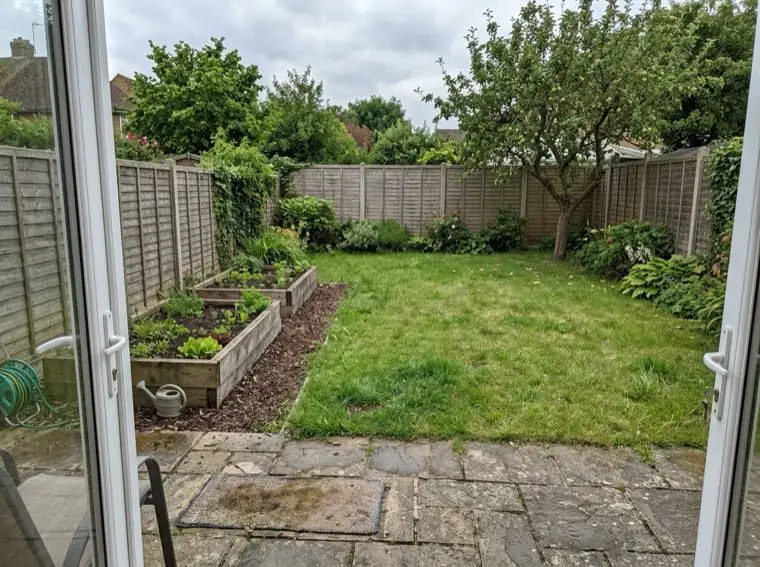
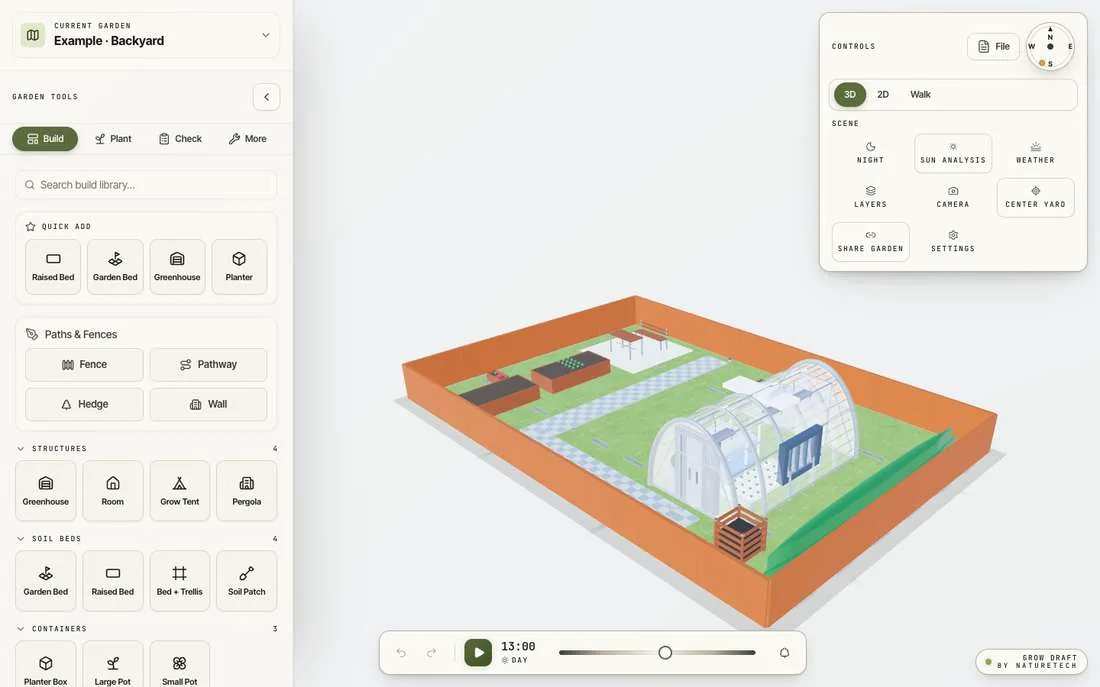
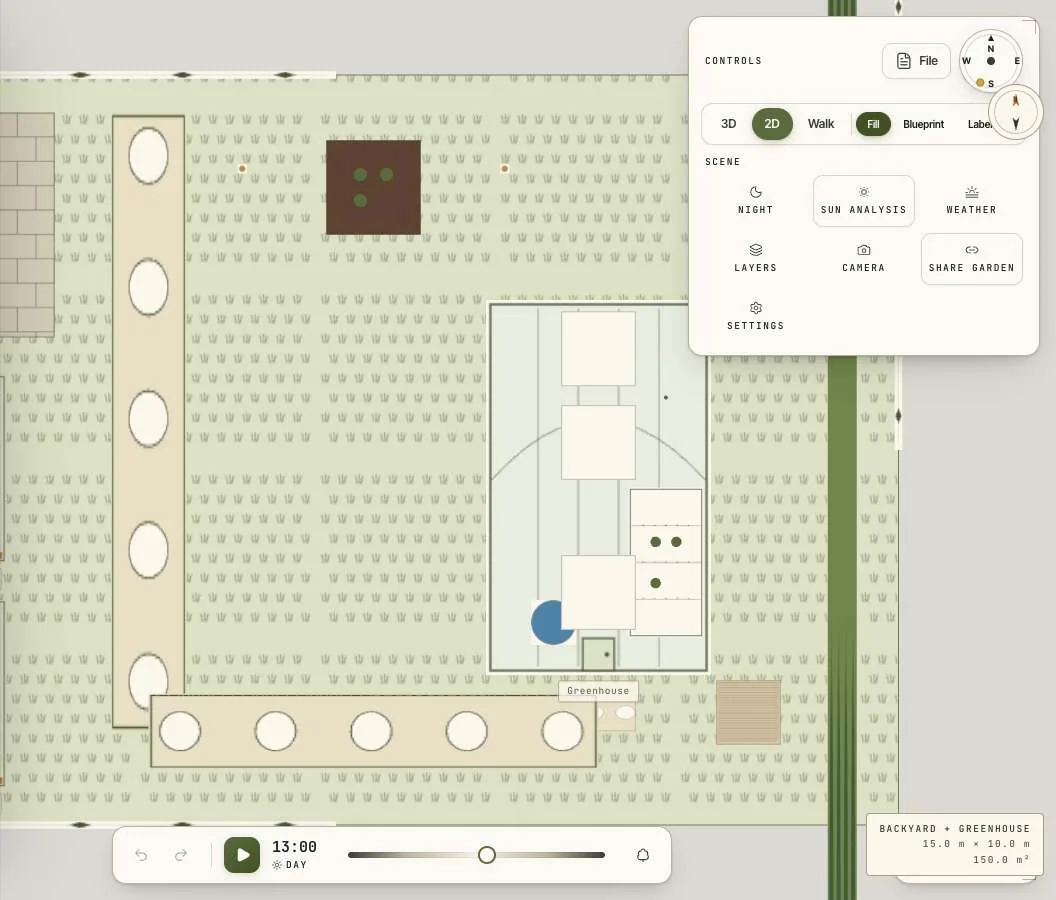
The same yard, three ways.
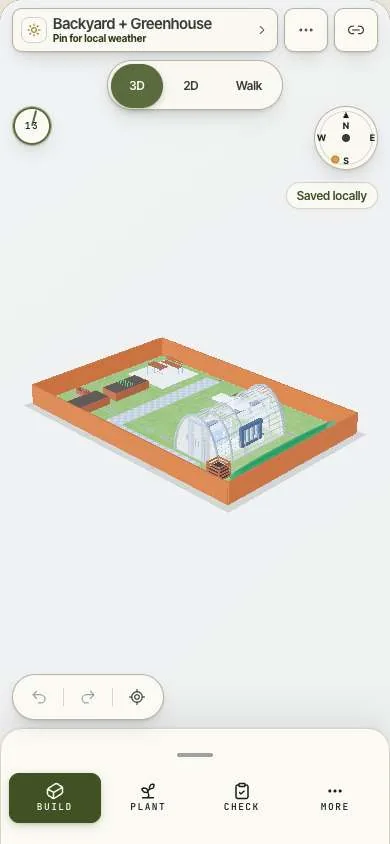
- 3D viewLayout and spatial context.
- 2D planClean drafting, fill or blueprint style.
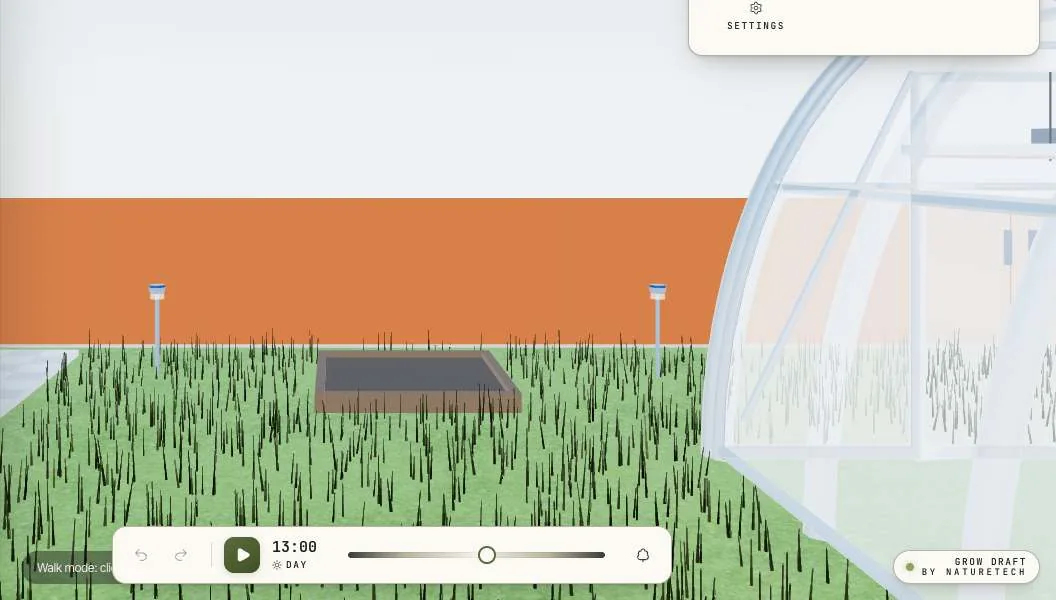
- First personStand inside and check clearances.
plant species, with spacing, sun needs, days to maturity and companion guidance built in. Every one of them a real object, at real scale.
- Photo to twin.
- One picture becomes a layout of real objects you can edit in seconds.
- Your boundary, your shape.
- Match your actual lot, rectangle or awkward L shape, and watch the ground reshape as you drag.
- Sun you can trust.
- Real solar position from your location, with shade cast by your own structures.
- Greenhouses you can enter.
- Walls open up as you step in, so you can plan the inside as carefully as the outside.
- Real dimensions.
- Metric or imperial, with clear readouts on every object.
- Time, sun and weather.
- A time of day scrubber, live weather and frost dates, and a seasonal view of the same garden in winter.
- Shopping list from your layout.
- What you placed becomes what you need to buy.
- Indoors too.
- Rooms and grow tents inside the twin, with racks, NFT systems, towers and lights laid out the same way.
Plan your growing space. Try the free beta.
- Editable 3D layouts and starter designs
- Yard scanning and realistic previews with usage limits
- Plant catalog, sun checks and walk mode
- Local saving and project-file export
- Cloud saving and read-only links with an account
- Shopping lists with verified product links
- The beta is free to use
- No payment or subscription is required
- AI allowances protect availability and operating costs
- Future paid features and pricing are still being evaluated
AI previews are illustrative. Use your measured plan and store specifications when buying.
Questions
A working 3D layout, not a picture. Every object it places is a real item you can drag, resize, delete or walk around, exactly as if you had placed it yourself.